
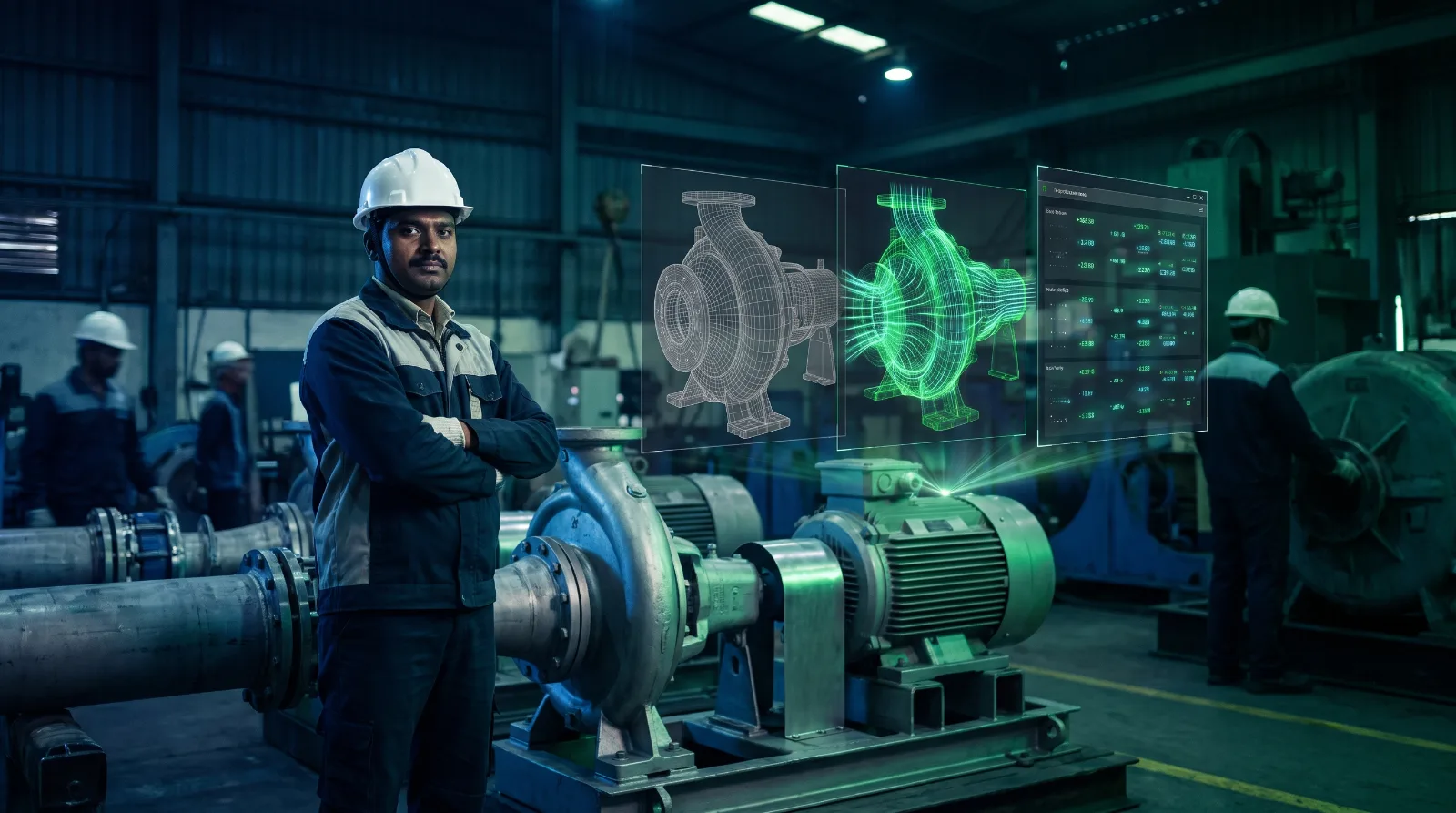
Plant and project teams hear "digital twin", "simulation" and "3D model" used as if they were the same thing. Vendors do it too. They are different tools, and mixing them up is how projects end up paying for a twin and receiving a model.
A 3D model: what the asset looks like
A 3D model is a geometric replica of a machine, a building or a whole plant. It is built from CAD drawings, BIM files or scans, and it can be very detailed.
It is useful for layout planning, design reviews, training material and marketing. But it does not know anything about the real asset. If a bearing starts running hot tomorrow, the model looks exactly the same.
A simulation: what could happen
A simulation runs a model of a system through scenarios to see how it behaves. What happens to throughput if a conveyor slows by 10%? How does a vehicle handle on a wet mountain road? What happens when a pump fails?
Simulations are powerful for testing ideas and training people safely. But a simulation runs on assumptions and inputs you choose. It is a "what if" tool, not a "what is" tool.
A training simulator such as our VRMMDS driving simulator is a simulation built for people: it recreates vehicles, terrain and faults so a trainee can practise without risk.
A digital twin: what is happening now
A digital twin is a model that stays connected to the real asset. Sensor data streams into it continuously, so the twin shows the current state of the machine or plant: temperature, pressure, vibration, wear, throughput, exactly where they occur.
Because it reflects reality, a twin can also run simulations that start from the real, current state rather than from assumptions. That is where predictive maintenance and safe process changes come from.
A quick way to tell them apart
Ask three questions of anything described as a twin:
- Is it connected to live data from the real asset? If not, it is a 3D model.
- Does it update on its own as the asset changes? If not, it is a snapshot.
- Can you run what-if scenarios starting from the current state? If yes, it is a twin with simulation on top.
Which one do you need?
- Designing or selling something new: a 3D model is often enough.
- Training people or testing ideas safely: a simulation.
- Running, maintaining and improving a live operation: a digital twin.
Many projects need all three, in that order: the model is built first, the live data turns it into a twin, and simulation runs on top of the twin.
Where Maquette-XR fits
Maquette-XR is our live digital twin platform. It builds the to-scale 3D model, connects it to your existing IoT hardware and streams 150+ live parameters into it, then lets teams run what-if scenarios before changing anything on the floor. You can read more about the three levels of digital twin or see how it works for manufacturing and energy.
Want to see what a live twin of one of your assets would look like? Book a technical call.